
Real-Time DataCentralized point visibility
 info@innofj.comContact Engineering
INDUSTRIAL DATA INTEGRATION
Connect fiber optic temperature monitoring data to your PLC, DCS or SCADA system for real-time visibility, coordinated alarms and clearer operational decisions.



CONNECTED OPERATIONS
Integration-ready fiber optic monitoring bridges selected temperature points with the control systems operators use every day.
Critical temperatures are often monitored in isolation, making fast comparison, alarm response and historical review difficult.
Map reviewed temperature channels, alarms and outputs into the existing PLC, DCS or SCADA workflow.
Connect reviewed temperature measurements to the systems that protect critical assets and support daily operations.
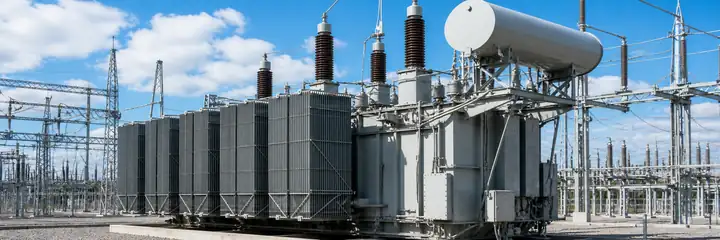

Prevent overloads and extend asset life with centralized temperature visibility.
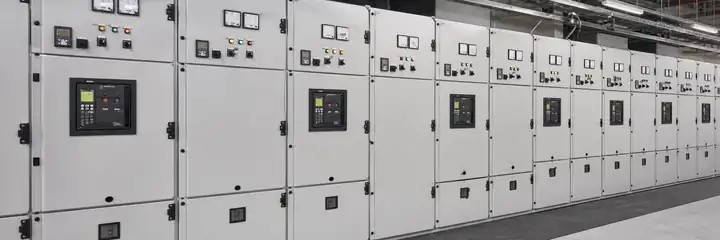

Bring selected contact, busbar and termination temperatures into the control workflow.


Coordinate winding and equipment temperature points with alarms and operating data.
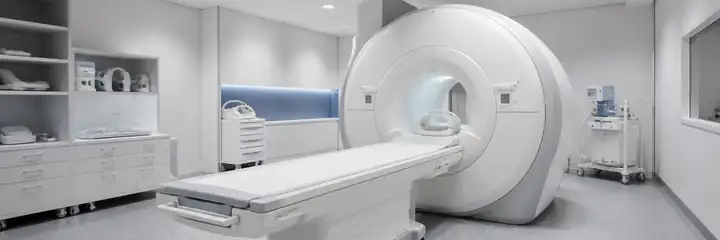
Connect electrically isolated temperature measurements to a reviewed monitoring interface.

Centralize temperature data from strong-EMI process equipment without conductive sensing paths.


Record and communicate isolated point temperatures during reviewed test programs.
Map reviewed temperature values and alarms into the PLC control workflow.
Present temperatures, trends and alarm states through operator-facing screens.
Coordinate thresholds, priorities and actions around the plant protection strategy.
✓Communication and register mapping
✓Tag naming and data structure
✓Alarm logic, thresholds and priorities
✓Dashboard layout and navigation
✓Historical trends and reporting
✓Site-specific I/O and scaling
From utilities to manufacturing, connect real-time temperature intelligence to the systems that keep operations running.
Monitor reviewed winding and tank temperature points within the station monitoring workflow.
Track selected busbar, cable and termination points for alarms and condition visibility.
Bring critical rotating-machine temperatures into centralized plant monitoring.
Coordinate isolated temperature measurements with test controls and data acquisition.
Connect reviewed process temperature points to alarms, trends and operator displays.
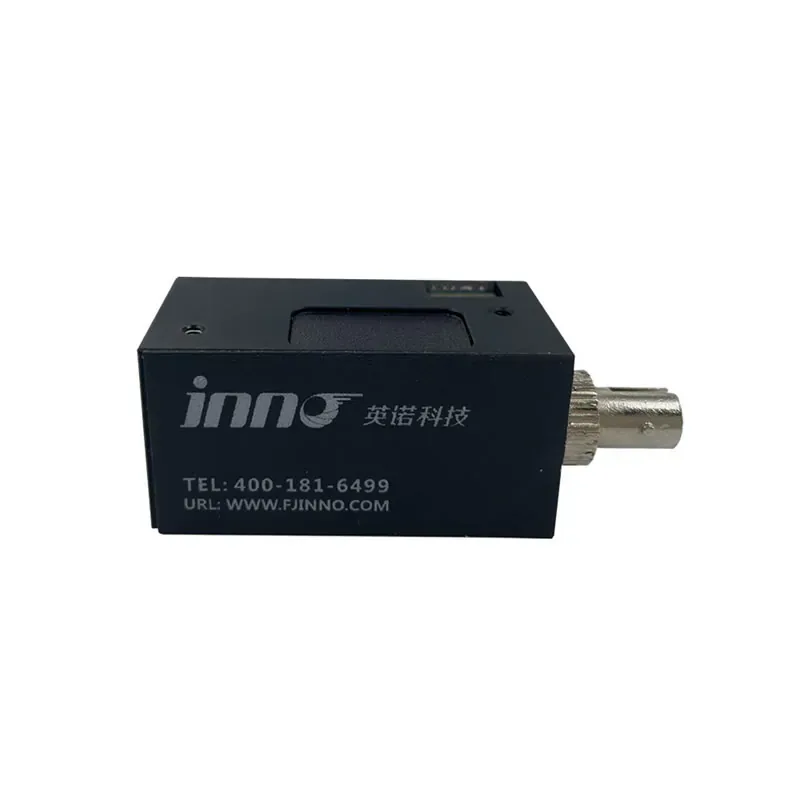
Embed temperature acquisition and communication into purpose-built equipment.
Coordinate reviewed alerts with operator actions.
View selected temperature points in one operational context.
Use trends and events to prioritize inspection work.
Support plant records through the selected platform.
CUSTOM INTEGRATION
Every plant has different assets, data structures and operator workflows. INNO reviews each integration around the measurement architecture and required system outputs.

Organize probes and channels around equipment and plant hierarchy.
Define reviewed alarm priorities, routing and actions.
Coordinate available host outputs with the control system.
Review host, display and enclosure placement.
Arrange point names, values, alarms and trends clearly.
Prepare the reviewed point, channel and interface information.
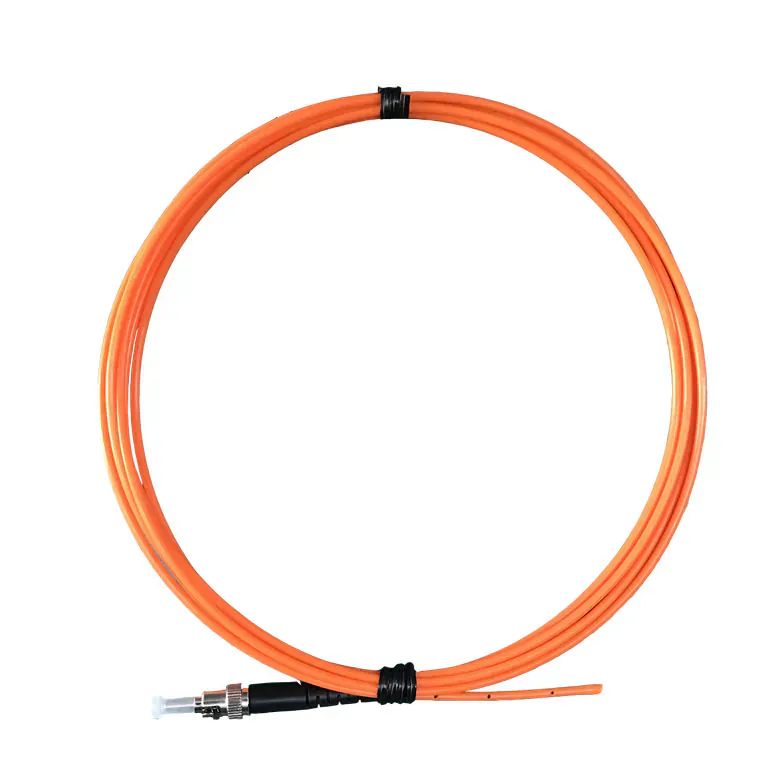
Measure selected critical points with passive optical probes.
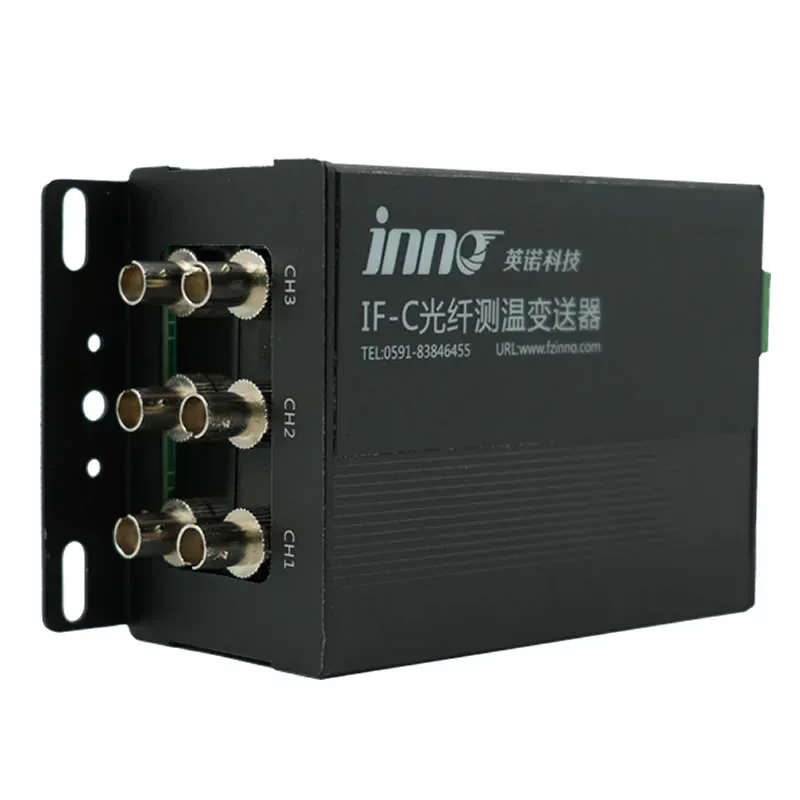
Process independent probe channels and provide reviewed outputs.
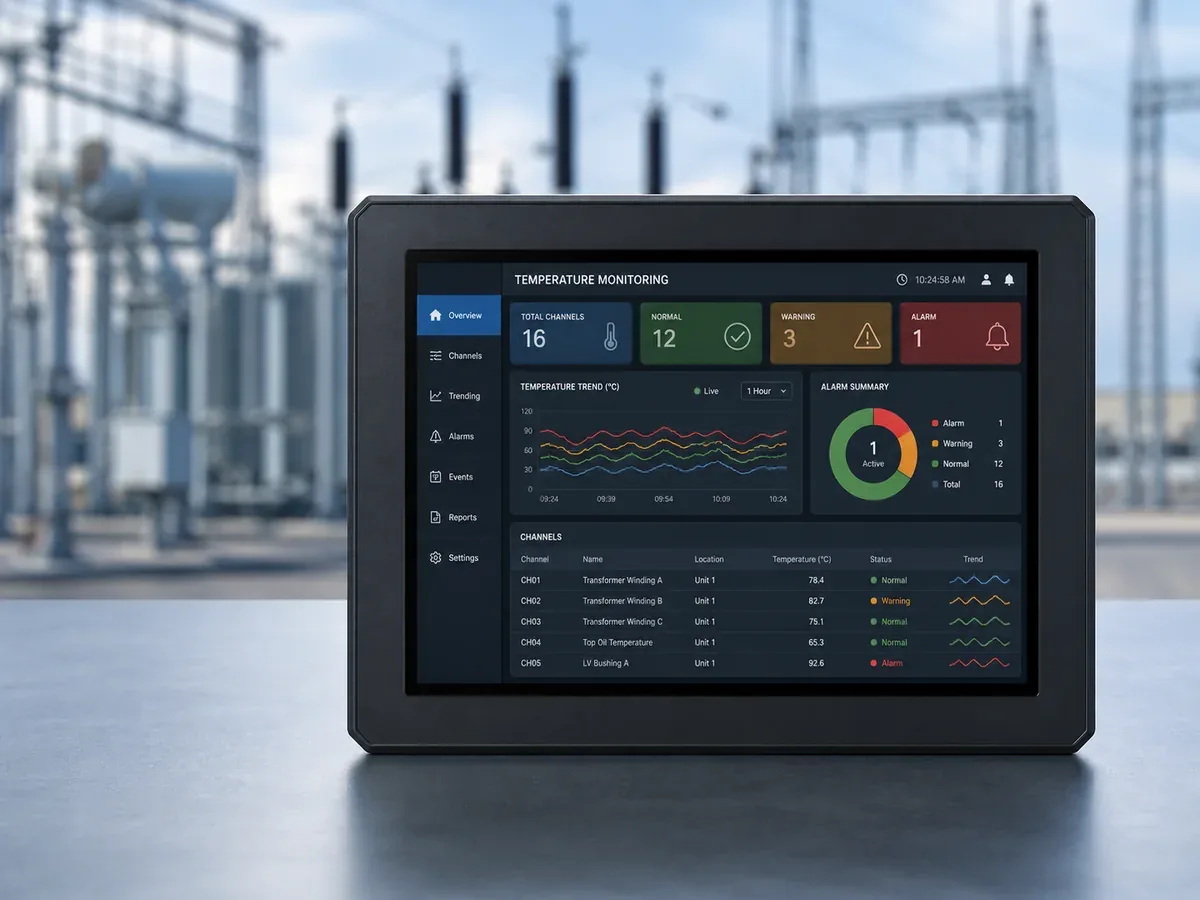
Centralize selected values, alarms and trends in a monitoring interface.
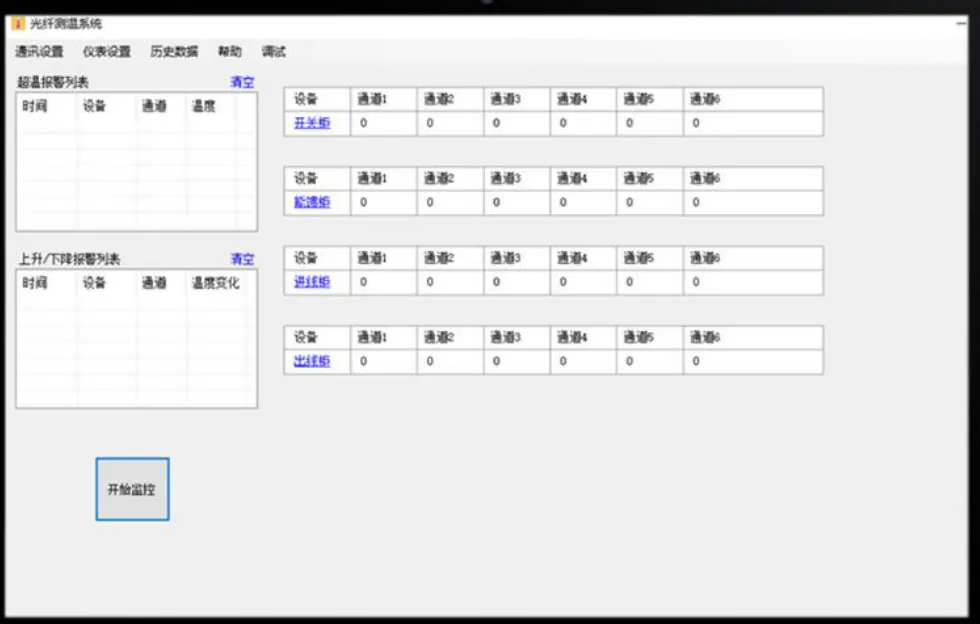
Embed optical temperature acquisition into equipment and panels.
Review the point list, data structure, host configuration and integration workflow before go-live.
Requirements and system architecture
Channels, outputs and alarms
Connectivity and operator visibility
ENGINEERING REVIEW
Share the project context so the recommended connection path reflects your existing control environment.
✓Existing PLC, DCS or SCADA platform
✓Temperature measurement points
✓Required alarms and operator actions
✓Communication and output preference
✓Display, logging and remote access needs
✓Panel and installation environment
Application-focused answers for connecting fiber optic temperature monitoring to industrial control systems.
Yes. Integration can be reviewed around the existing control platform, available communication interfaces, tag structure and alarm workflow.
A compatible transmitter or monitoring host processes each fiber optic probe channel and sends reviewed digital, analog or alarm outputs to the plant system.
Yes. Selected transformer, switchgear, busbar and cable-connection temperatures can be mapped into one monitoring workflow when each sensing point and channel is clearly defined.
Yes. The passive optical probes can remain at electrically demanding measurement points while the instrument and control interfaces are installed in reviewed locations.
Alarm thresholds, priorities, relay actions and display behavior are coordinated with the selected monitoring host and the existing PLC, DCS or SCADA strategy.
Yes. When supported by the selected host or plant platform, temperature values can be mapped for real-time display, trending, event review and reporting.
Share the current control system, measurement-point list, channel count, required outputs, alarm strategy, network constraints and installation environment.
The host, enclosure size, local-display option and panel arrangement can be reviewed around channel capacity and project installation requirements.
Review the sensing points, monitoring host and plant interface with an INNO engineer.